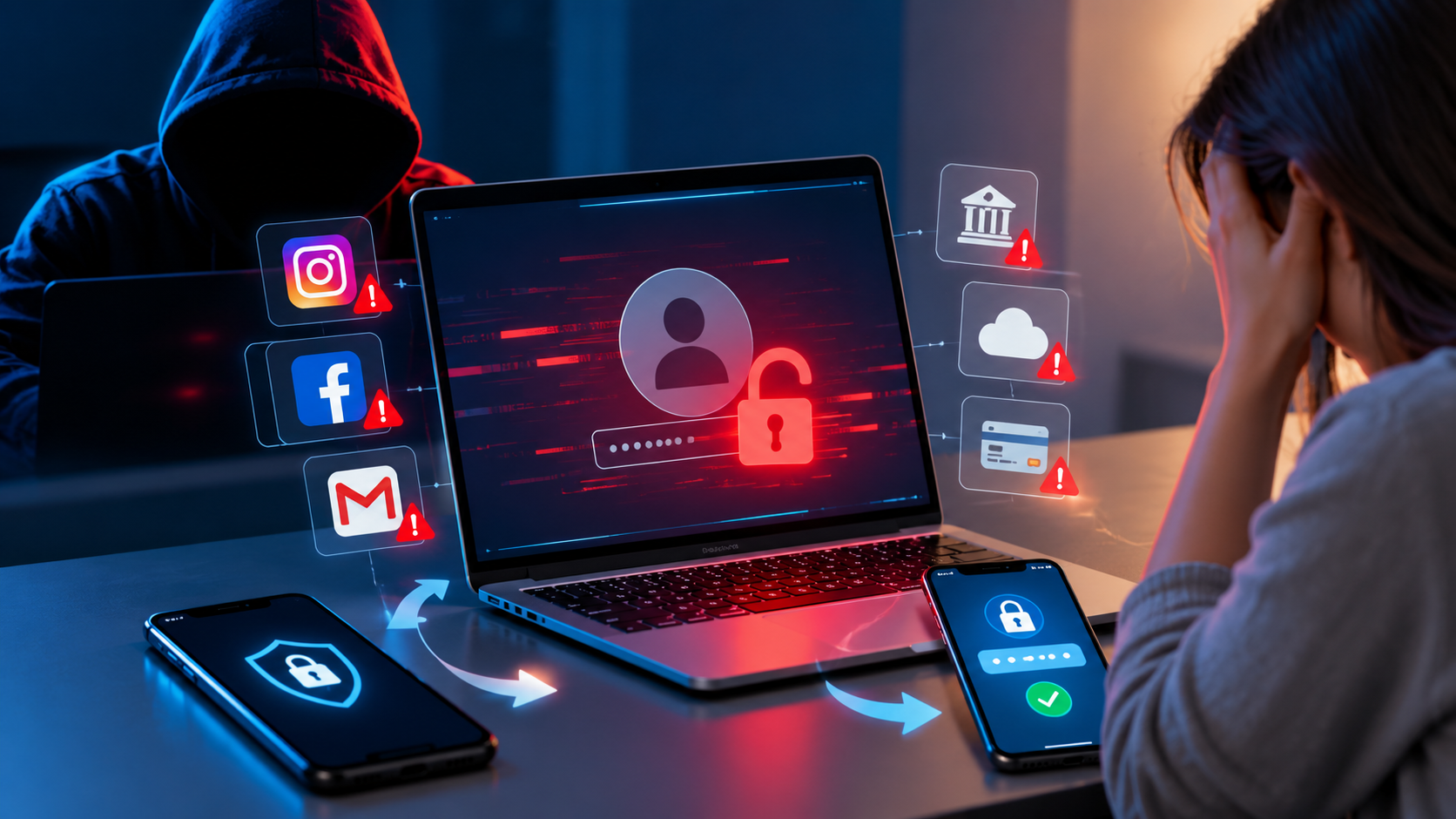
Getting a notification about an unfamiliar login, discovering a strange post on your social media account, or suddenly being unable to access your email can be alarming. An account takeover can happen for different reasons, including phishing, stolen passwords, malware or reused login credentials.
The first few hours matter because an attacker may try to change recovery details, access connected accounts, contact your friends, or misuse information stored in the compromised account.
Instead of trying random fixes, follow a clear recovery process. This article covers the key steps to follow after an account breach, including device security, account recovery, and protecting other accounts linked to the compromised account.
1. Confirm That Your Account Has Actually Been Compromised
Before making major changes, check what happened.
You may notice signs such as:
- A login alert from a device or location you do not recognise
- Your password suddenly stops working
- Your recovery email address or phone number has been changed
- Messages or posts appear that you did not create
- Unfamiliar devices are listed in your account
- Security settings have been modified
- You receive notifications about password or email changes that you did not request
Do not ignore these warning signs. If you can still log in to the account, take immediate steps to protect it from further unauthorised access.
2. Secure Your Email Account First
If the compromised account is connected to your email, securing your email should be a priority.
Access to your email can make it possible to regain control of other accounts linked to it. An attacker who controls your email could potentially attempt to take over social media, shopping, cloud storage, or other accounts connected to it.
Change the email password and check whether the recovery phone number, recovery email, forwarding settings, filters, and logged-in devices have been changed.
If that password is also used for other online accounts, update those accounts with new and unique passwords.
3. Change the Compromised Account Password
If you still have access to the compromised account, update its password immediately.
Create a new password that is:
- Unique to that account
- Difficult to guess
- Not based on easily available personal information
- Different from passwords used elsewhere
Avoid simply modifying your old password by adding a number or symbol. A completely new password is a better approach.
Using a password manager can make it easier to generate strong passwords and keep them organised securely for your online accounts.
4. Turn On Multi-Factor Authentication
A strong password is important, but adding another authentication layer can provide additional protection.
Add an extra verification step to your account by activating MFA whenever the platform provides this security option. Depending on the platform, this could involve an authenticator application, security key, or another verification method.
After enabling MFA, carefully review the available recovery options and save backup codes securely if the service provides them.
5. Check Active Sessions and Unknown Devices
Many platforms allow you to see where your account is currently signed in.
Look for:
- Unknown phones or computers
- Unfamiliar browsers
- Unexpected locations
- Sessions you do not remember starting
Sign out of suspicious sessions. If you see an option to sign out of your account on other devices, use it once you have updated your password.
This can help prevent someone who is still signed in from continuing to access the account.
6. Review Your Account Recovery Information
Hackers may try to make it easier for themselves to regain access later.
Check your:
- Recovery email
- Recovery phone number
- Authentication methods
- Backup codes
- Security questions, where applicable
- Trusted devices
Remove anything that you do not recognise and make sure your legitimate recovery information is correct.
7. Check Connected Apps and Services
Your account may have been connected to third-party applications or websites.
Review the list of connected apps and remove access for services that you do not recognise or no longer use.
Pay extra attention to this step if the compromised account contains sensitive details or is linked to other online platforms.
8. Look for Suspicious Activity
Once you regain control, examine what happened while the attacker may have had access.
For a social media account, check for:
- Unfamiliar posts
- Direct messages you did not send
- New followers or accounts followed
- Changes to profile information
For an email account, check:
- Sent messages
- Deleted messages
- Login history
- Email forwarding rules
- Filters
- Account settings
For shopping or financial accounts, review recent transactions, saved payment methods, and account changes.
9. Protect Other Accounts That Used the Same Password
One compromised password can become a much bigger problem when it has been reused across multiple websites.
Make a list of important accounts that used the same or a similar password and update them with unique passwords.
Pay particular attention to your email, banking, payment, cloud storage, social media, and work-related accounts.
10. Secure the Device You Used
Getting your account back does not mean your security concerns are over. If malware or another malicious program is responsible for the compromise, changing the password alone may not solve the problem.
Keep your device’s operating system, web browser, and security tools current by installing the latest available updates. Run an appropriate security scan and remove applications or browser extensions that you do not recognise.
If you believe the device itself has been seriously compromised, consider getting professional technical assistance before continuing to use it for sensitive accounts.
11. Warn Your Contacts if Necessary
If an attacker has gained control of your social media or messaging account, they may send messages or links to your contacts.
After recovering the account, let your contacts know that the account was compromised.
A simple warning can prevent someone from clicking a suspicious link or responding to a fraudulent message sent from your account.
12. Preserve Evidence Before Deleting Everything
If you believe the incident involves fraud, harassment, financial loss, or serious unauthorised access, keep relevant evidence.
Save things such as:
- Login alerts
- Security emails
- Screenshots
- Suspicious messages
- Transaction records
- Unusual URLs
- Dates and times of suspicious activity
The National Cyber Crime Reporting Portal in India advises complainants to preserve relevant evidence such as emails, URLs, screenshots, transaction records, chats, images, and other supporting documents when reporting cybercrime.
13. Report the Incident
If your account was used for fraud, financial theft, or another cybercrime, consider reporting the incident to the relevant platform and authorities.
In India, cybercrime complaints can be submitted through the National Cyber Crime Reporting Portal. For financial cyber fraud, the official portal advises victims to report immediately through 1930, which operates as the national cybercrime helpline.
The faster a financial fraud is reported, the sooner the relevant authorities and financial institutions can begin their response.
14. Do Not Trust Messages Promising Instant Account Recovery
After an account is hacked, you may receive messages from people claiming they can recover it for you.
Be careful.
Avoid sharing:
- Passwords
- OTPs
- MFA codes
- Recovery codes
- Banking credentials
- Remote-access permissions
Attackers can sometimes take advantage of the panic surrounding a hacked account by pretending to be technical support or account-recovery specialists.
Use the platform’s official recovery process whenever possible.
15. Continue Monitoring the Account
Recovering the account does not necessarily mean the incident is finished.
For the following days and weeks, pay attention to:
- New login notifications
- Password-reset emails
- Unknown devices
- Suspicious messages
- Changes to account settings
- Unexpected financial transactions
If suspicious activity appears again, repeat the security checks and contact the service provider through its official support channel.
A Simple 24-Hour Account Recovery Checklist
If you need a quick action plan, follow this order:
First few hours
- Confirm the suspicious activity.
- Secure your primary email account.
- Change the compromised password.
- Enable MFA.
- Sign out unknown devices and sessions.
During the rest of the day
6. Check recovery information.
7. Remove unfamiliar connected applications.
8. Review account activity.
9. Change reused passwords on other accounts.
10. Secure and scan the affected device.
11. Warn contacts if necessary.
12. Preserve evidence.
13. Report cybercrime or financial fraud where appropriate.
What Should You Avoid After an Account Gets Hacked?
A recovery process can become more difficult if you react too quickly or trust the wrong person.
Avoid:
- Clicking suspicious recovery links
- Sharing OTPs or verification codes
- Giving your password to someone claiming to be support
- Reusing your old password
- Downloading unknown “hacking recovery” software
- Ignoring unfamiliar devices or sessions
- Assuming that changing one password has secured every account
Always use the official website or application of the service when recovering an account.
How Can You Prevent Another Account Hack?
Account security does not end after you regain access.
Use a different password for important accounts, enable MFA where available, keep your operating system and security software updated, and be careful with unexpected login links, attachments and messages.
It is also useful to regularly review account sessions and connected applications. Removing access that you no longer need can reduce unnecessary exposure.
The goal is not to make your accounts impossible to attack. Instead, good security practices add multiple layers that make unauthorized access more difficult.
Learning About Account Security Through Cyber Security Training
Knowing how to recover a compromised account is useful, but understanding how cyber threats work can help you build stronger security practices. Cyber security training can introduce learners to areas such as networking, Linux, ethical hacking, vulnerability assessment, web application security and security tools.
Skill Haara Tech Academy offers cybersecurity-focused programs with practical learning in areas such as networking, Linux, ethical hacking, vulnerability assessment and network security. Its centres are available in Trivandrum, Thrissur and Aluva.
Final Thoughts
Getting hacked can be stressful, but taking the right steps quickly can help you regain control and reduce further risk.
Start by securing the device you are using, recover the account through the official provider, change the password, sign out other sessions and enable two-factor authentication. Then review recovery information, account activity, forwarding rules and connected services.